Kubernetes Cluster Management - Web UI | Codiac
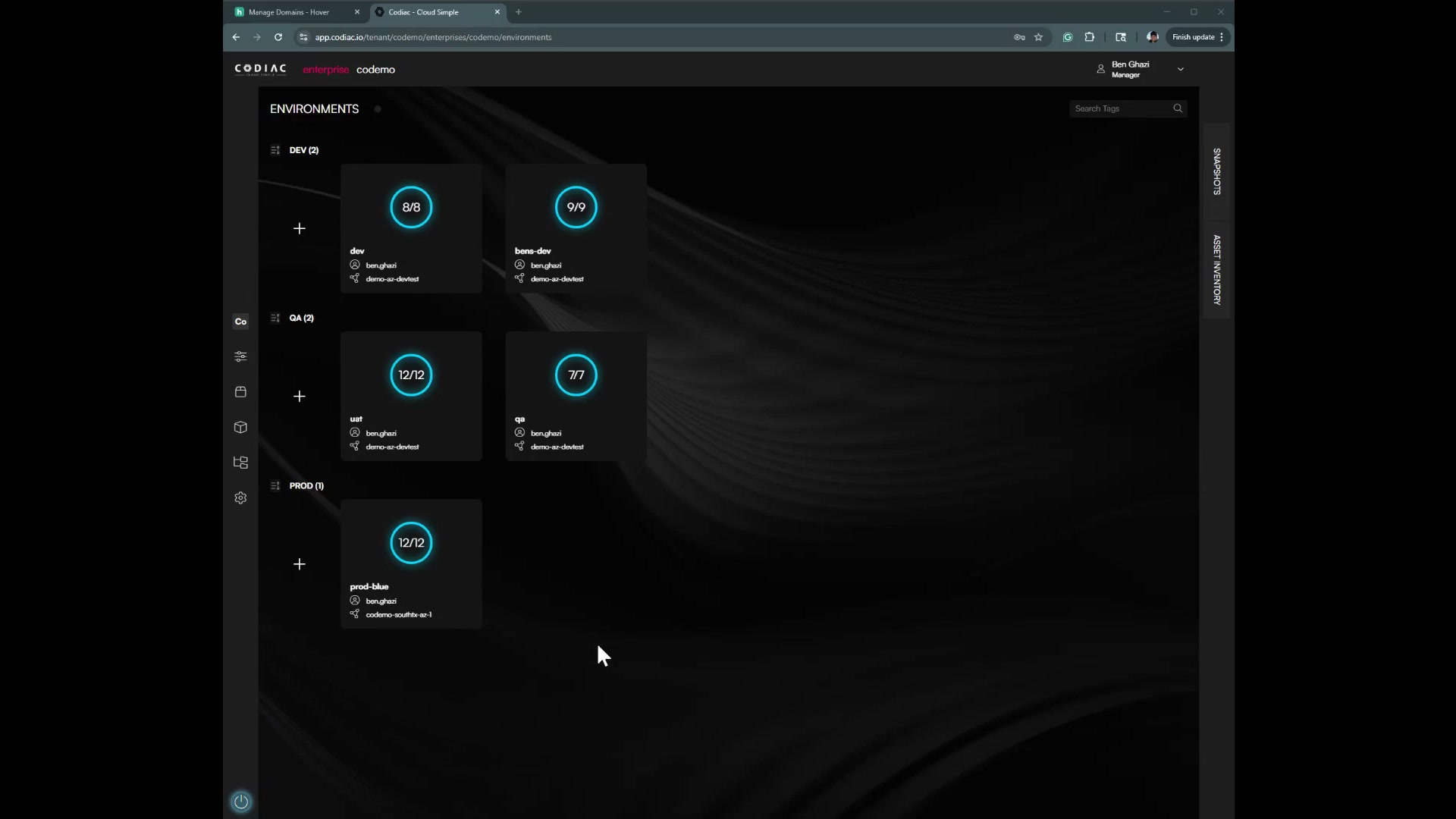
Cluster create, capture, list, and destroy are done via the CLI. The web UI shows cluster context when you work with environments and cabinets.
What you'll get
- Use the dashboard to see which clusters are in which environments; create and manage clusters via CLI
- Cluster hopping (blue/green) is managed in the Web UI
Prerequisites
- Codiac account and CLI installed for cluster create/capture
Manage clusters via CLI
Use the CLI to manage your Codiac clusters.
What's next
- CLI: Manage clusters – Create, capture, list, destroy
- Cluster hopping (Web) – Blue/green upgrades
- Cluster upgrade checklist – Zero-downtime upgrade steps