Manage Snapshots
Snapshots are a stored manifest of the microservices running in your cabinet.
Codiac creates a snapshot of your cabinet any time you update the version number of an existing asset or add a new asset. Snapshots exist at the cabinet level. They are a record of all the asset versions on the cabinet at that time.
What you'll get
- Roll back a cabinet to an earlier state by dragging a snapshot into the cabinet
- Deploy a snapshot to another cabinet (same or different environment), e.g. for cluster hopping
- Snapshots created automatically on deploy; view and use them in the Snapshots / History tabs
Prerequisites
- Codiac account and at least one cabinet with at least one deployment (snapshots are created on deploy)
Snapshots do not include:
- Stored data.
- Configurations.
- Resource management.
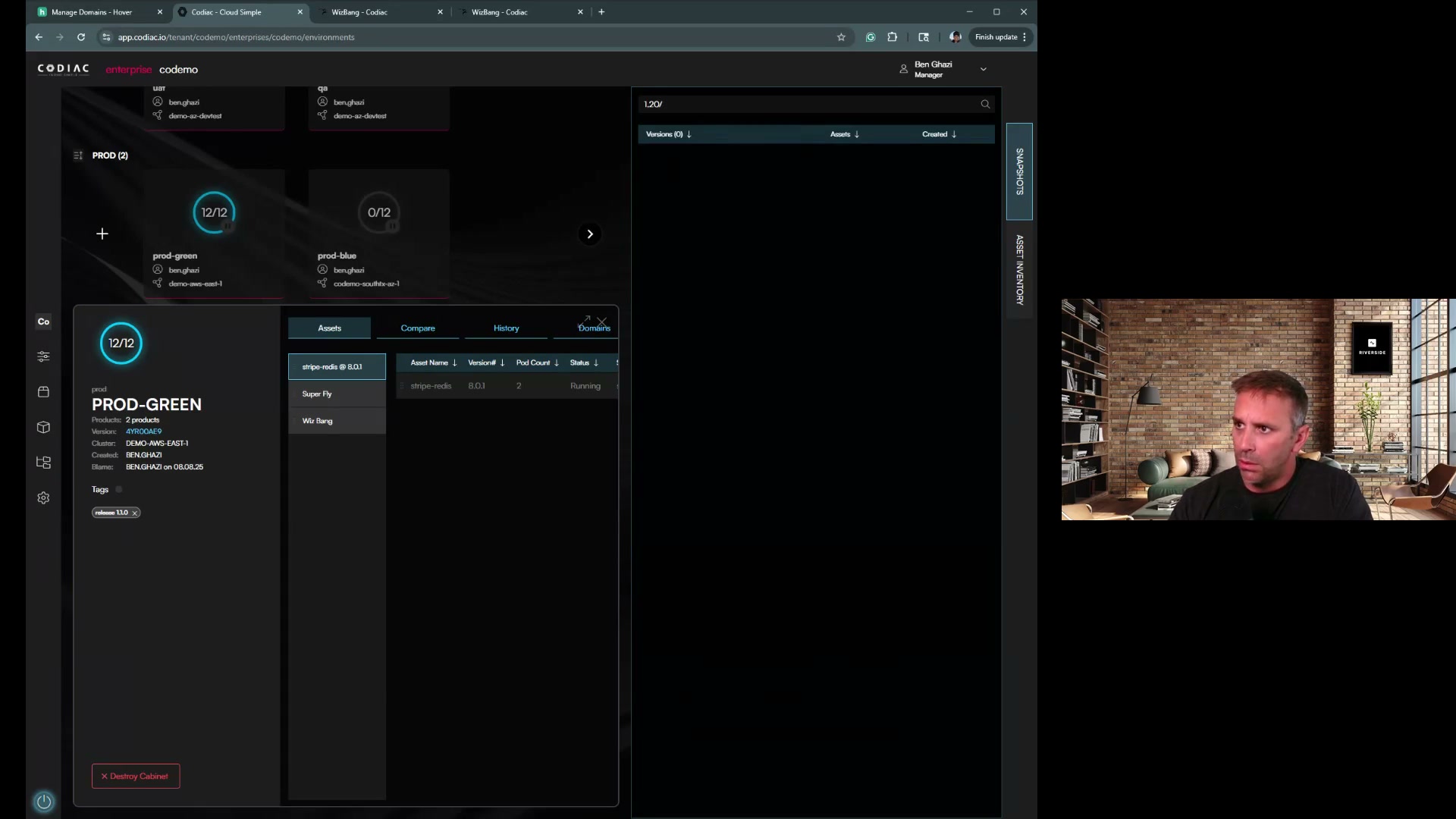
The most common uses for snapshots are:
- To rollback a cabinet to an earlier state.
- To deploy a specific version of a cabinet elsewhere.
Snapshot rollback
Snapshots let you rollback to earlier versions of your cabinet. Click and drag the desired snapshot into your cabinet to rollback to that version. See the Cabinet guide for step-by-step instructions.
Snapshot deployment
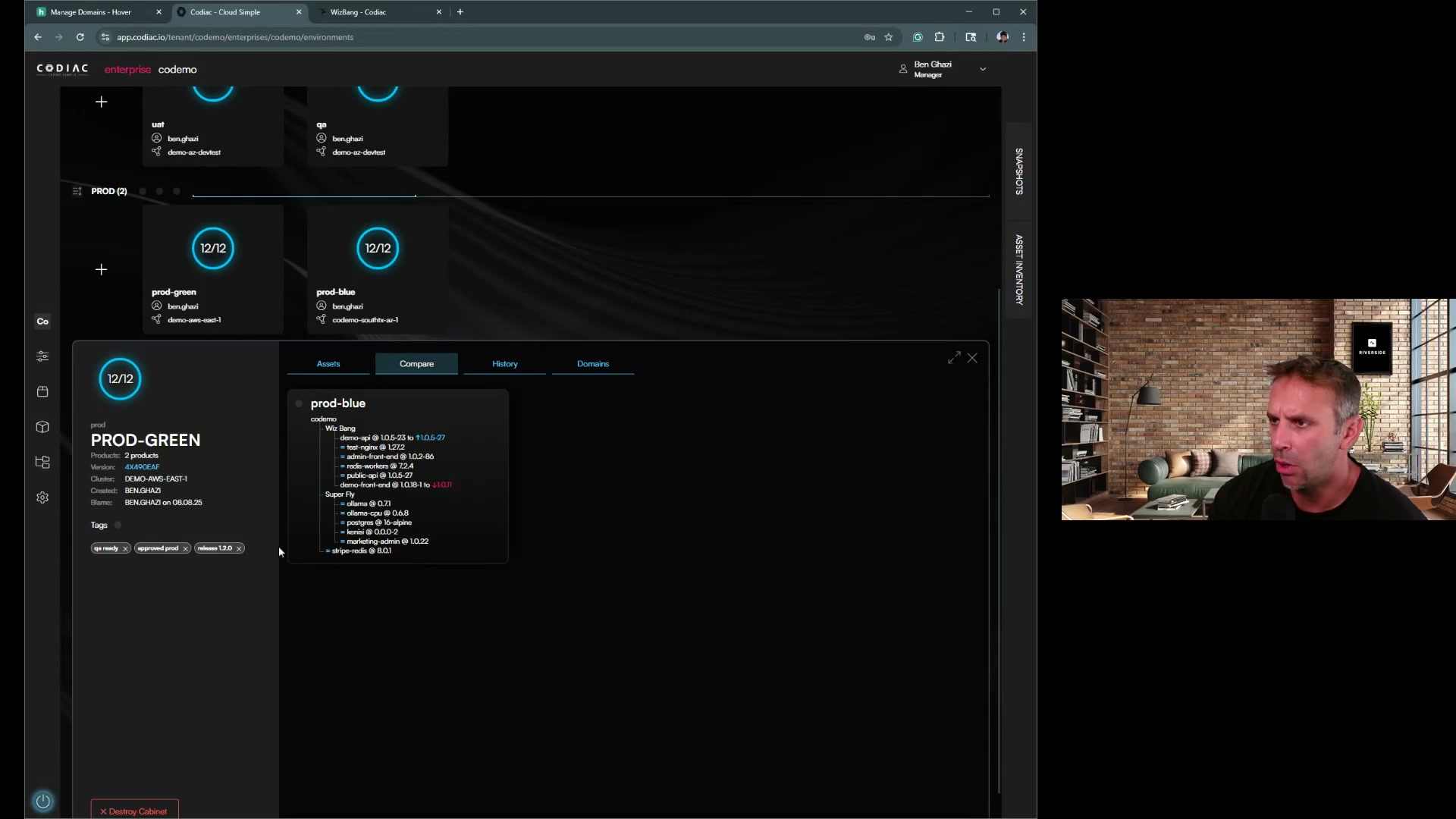
You can use a snapshot to deploy a specific version of one cabinet into another cabinet, including a cabinet in a different environment.
This lets you use snapshots as a type of cluster-hopping. You can cluster-hop with a snapshot the same way you would an asset.
What's next
- Manage cabinets – Roll back cabinet (step-by-step)
- Cluster hopping – Blue/green with snapshots
- System versioning – How snapshots work
- CLI: Snapshots – Snapshot commands